


Analyze card photos
Automatic card detection, perspective correction, centering analysis, surface review, corner inspection, and edge inspection from a simple two-photo workflow.
Download for your device
Apex Cards Pro · AI Card Condition Scanner
Before you pay to grade, ship, or insure a card, take one Front photo and one Back photo. Apex Cards Pro reviews visible centering, corners, edges, and surface concerns so you can make a smarter next decision.
$5 ONE TIME · UNLIMITED SCANS FOR LIFE · FREE UPDATES
One purchase. Keep scanning cards at shows, on vintage tables, and before you submit.
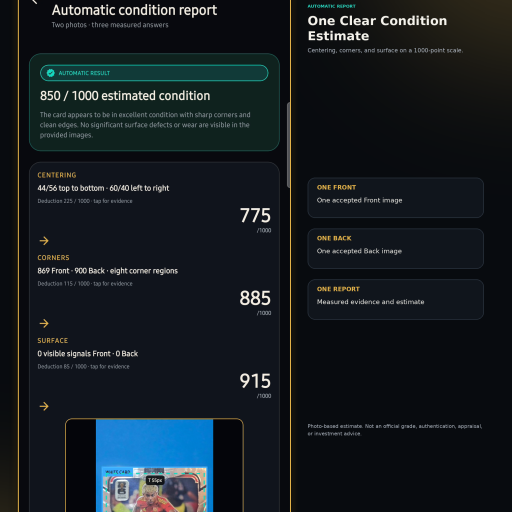
Designed for the card in front of you
The scanner helps collectors and dealers organize visible condition evidence. Physical prep remains an intentionally separate Apex Cards service.
Automatic card detection, perspective correction, centering analysis, surface review, corner inspection, and edge inspection from a simple two-photo workflow.
Download for your deviceUse Apex Cards services for documented physical prep, collector presentation, slab care, imaging, and submission support.
Explore physical servicesApex Cards Pro does not clean, alter, authenticate, appraise, or guarantee a grade. Physical service and grading outcomes remain separate.
The two-photo workflow
Capture clear photos, review what the scanner can measure, and use that visible evidence before grading, buying, selling, trading, or sending a card to Apex.
01
One usable Front photo and one usable Back photo.
02
Card detection, correction, centering, corners, edges, and visible surface.
03
Visible condition evidence and the largest deductions.
04
Local history, PDF inspection report, and JSON export.
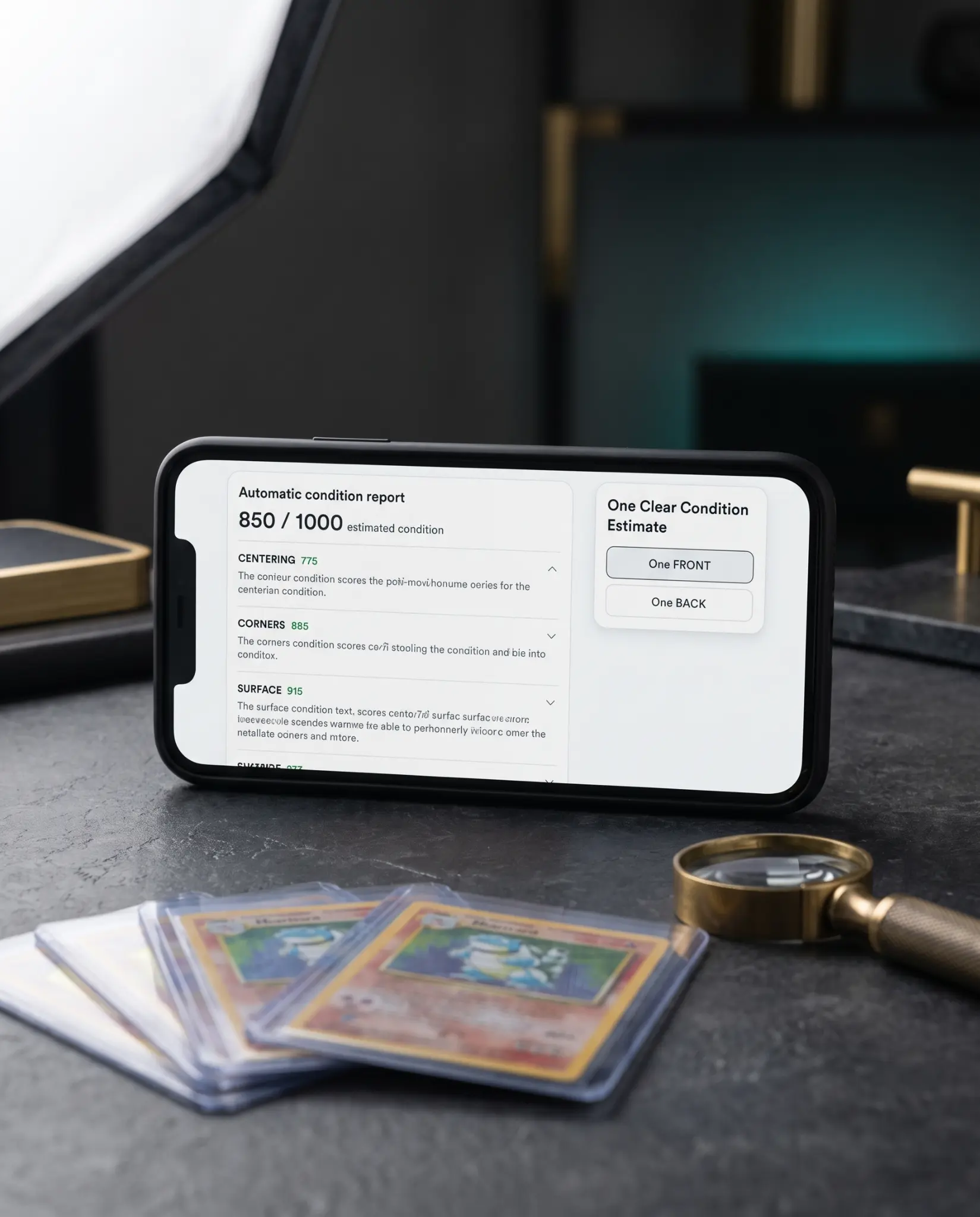
Illustrative campaign scene. Results are AI-based estimates, not official grades.
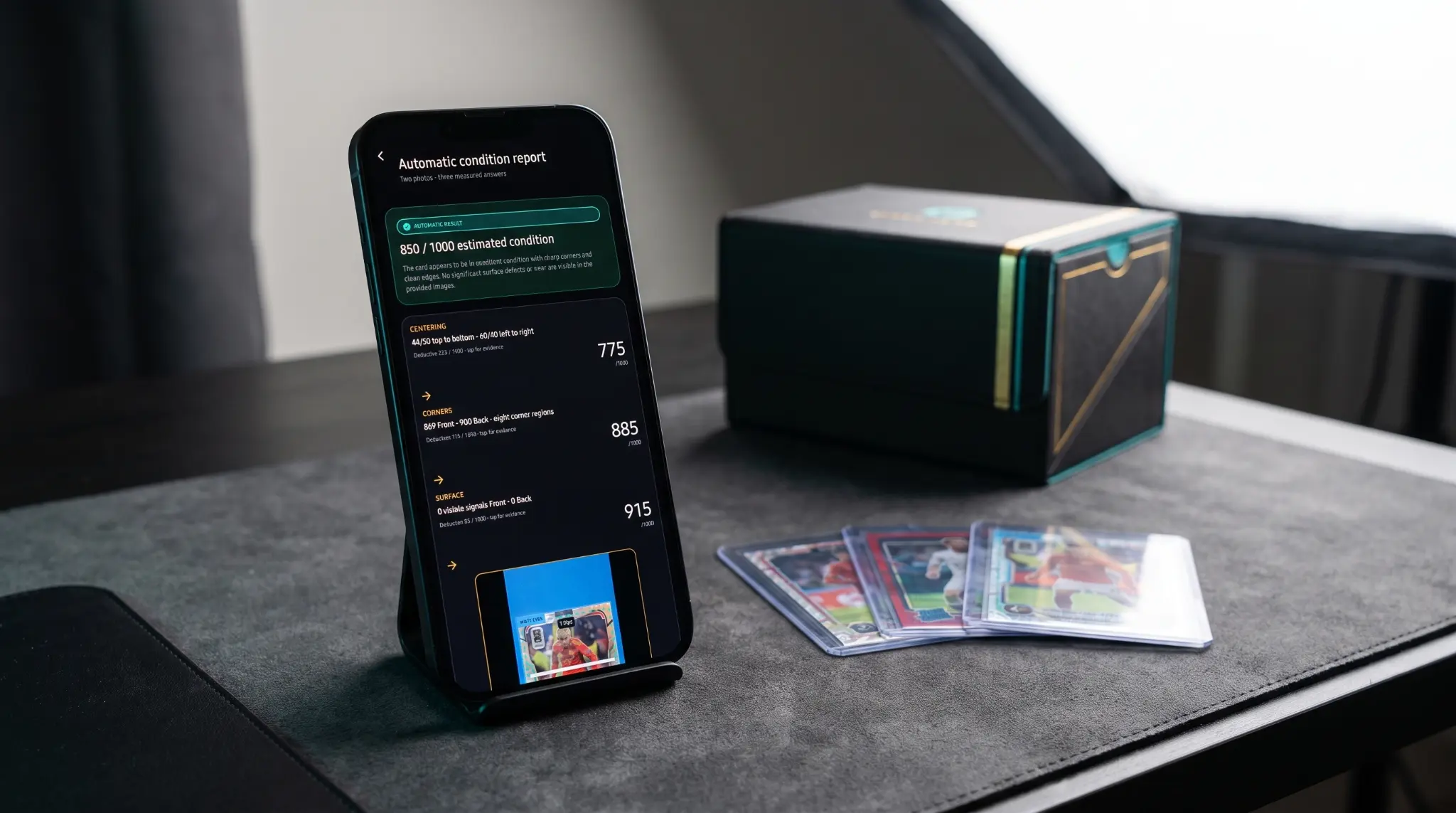
Illustrative campaign scene. Use your own judgment and inspect the card in person.
Evidence you can inspect
The app organizes the photo evidence it can see. When a photo cannot support a useful result, retake guidance is more useful than a false claim of certainty.
Visible artwork borders and ratios.
Focused review of the card perimeter.
Photo-based review of visible surface evidence.
Actual report example
Use the report as decision support for the card in front of you. It helps you organize visible evidence before you choose whether to grade, buy, sell, trade, or seek a physical review.
Illustrative campaign scene. The app does not authenticate or grade cards.
Available on iPhone and Android
For $5 lifetime access with unlimited scans, use Apex Cards Pro at card shows, for vintage-table review, inventory, buy/make-offer/pass decisions, and getting organized before you grade, sell, or submit.
Questions, answered
$5 for lifetime access with unlimited scans.
No. It provides an AI-based visual condition and gem-readiness estimate for collector decision support. Third-party graders make their own decisions.
Exactly one clear Front photo and one clear Back photo.
No. It is a photo-analysis and recordkeeping app. Physical Apex Cards services are separate.
No. Always physically inspect a card and use your own judgment before buying, selling, grading, or submitting.
Apex Cards Pro is available on the Apple App Store and Google Play.